JA · 日本語
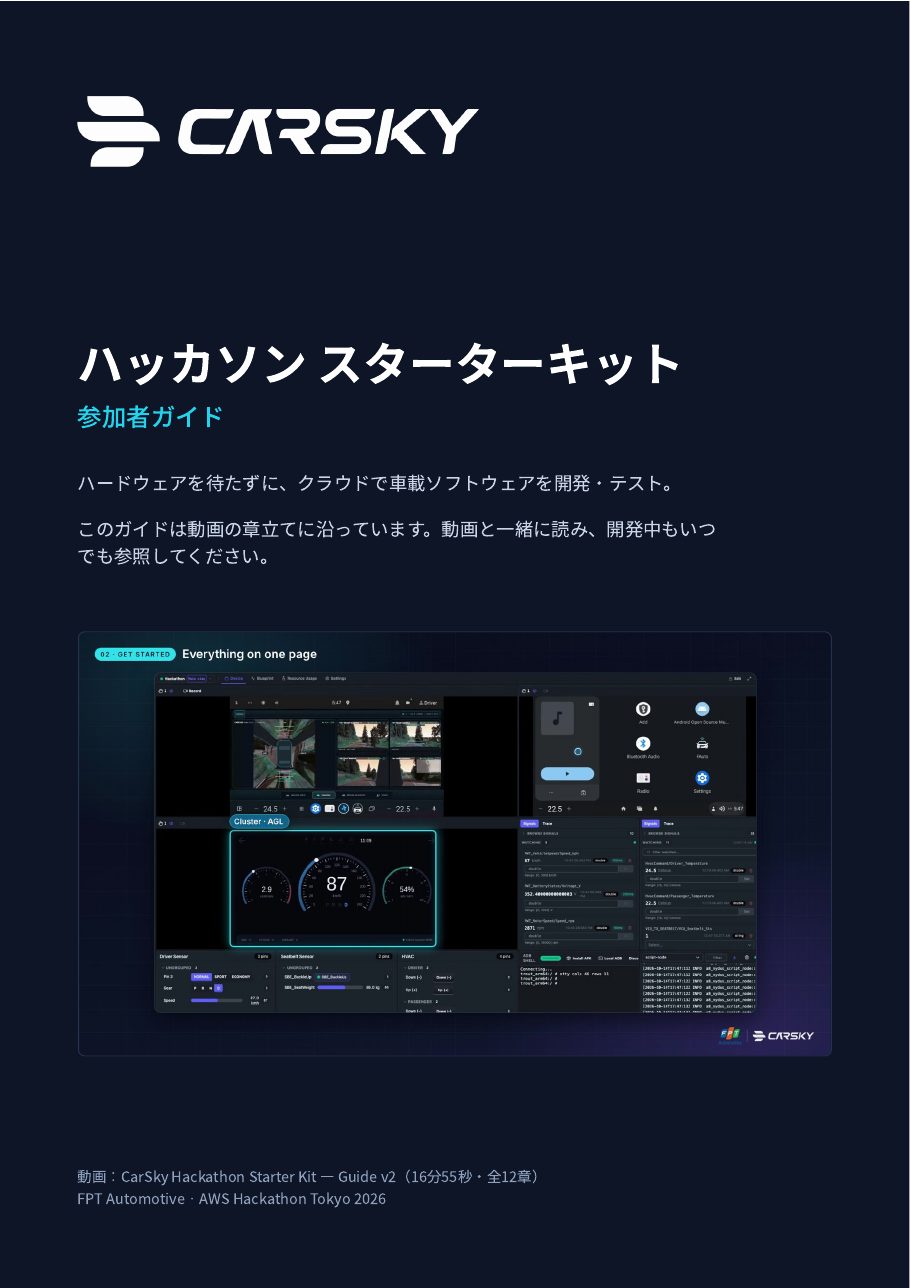
ハッカソン スターターキット 参加者ガイド
日本語版。はじめる前の準備、各章の要点、クイックリファレンス。Japanese edition: setup, chapter highlights and a quick reference.
PDF14 ページpages3.9 MB


ハードウェアを待たずに、クラウドで車載ソフトウェアを開発・テスト。動画ガイドで CarSky の全機能を確認し、参加者ガイド(PDF)を手元に置いて開発を始めましょう。 Build and test in-vehicle software in the cloud, without waiting for hardware. Tour every CarSky feature in the video guide, then keep the participant guide (PDF) at hand while you build.
日本語字幕付き。章をクリックすると、その場面から再生します。Japanese subtitles. Click a chapter to jump straight to it.
動画の章立てに沿った 14 ページのガイドです。開発中もいつでも参照してください。A 14-page guide that follows the video chapter by chapter. Keep it open while you build.
日本語版。はじめる前の準備、各章の要点、クイックリファレンス。Japanese edition: setup, chapter highlights and a quick reference.
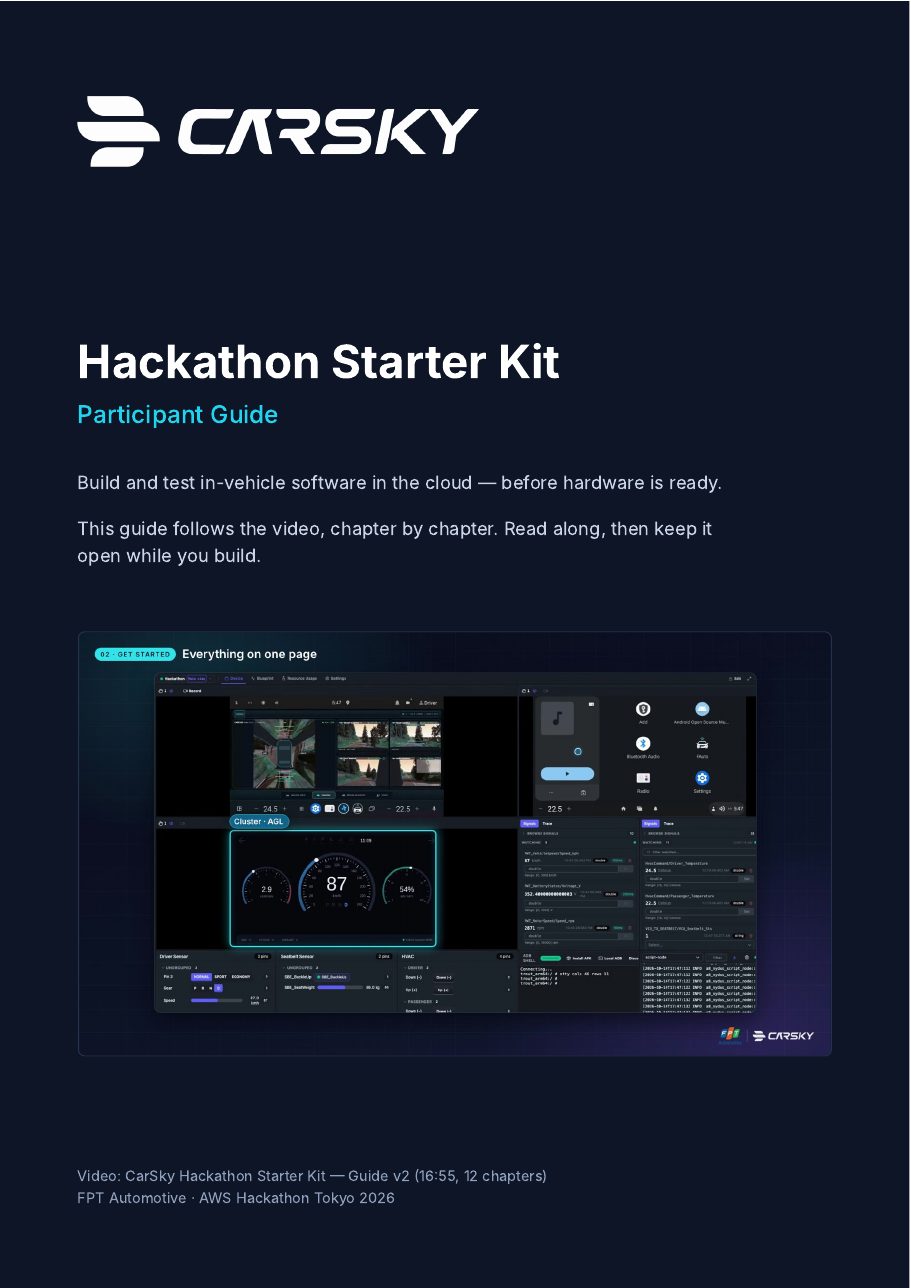
英語版。内容は日本語版と同じです。English edition, same content as the Japanese guide.
6 つのステップで、すぐに開発を始められます。Six steps and you are ready to build.
チーム名・会社名・担当者名・担当者メールを support.carsky@fpt.com へ。1チーム1アカウントです。Send your team name, company, contact name and contact e-mail to support.carsky@fpt.com. One account per team.
ノートPCで Chrome または Edge を使用。ウィンドウは 1920×1080 以上を推奨。Use Chrome or Edge on a laptop, with the window at least 1920×1080.
hackathon.carsky.io を開き、受け取ったアカウントでサインインします。Open hackathon.carsky.io and sign in with the account you received.
CarSky → Device → Connect → Focus Screen。自分のデバイスを探して Connect、続けて Focus Screen を押します。CarSky → Device → Connect → Focus Screen. Find your device, press Connect, then Focus Screen.
スマートフォンで mobile.live.carsky.io を開いてサインイン。長押しで車両を選び、Connected になるまで待ちます。Open mobile.live.carsky.io on your phone and sign in. Long-press to pick your vehicle and wait for Connected.
全機能の詳しい使い方は guide.carsky.io へ(Luau、DBC と VSS、APK と AGL、MCP など)。Every feature in depth at guide.carsky.io (Luau, DBC & VSS, APK & AGL, MCP and more).
QR コードを読み取るか、下のボタンから申請メールを作成してください。Scan the QR code, or use the button below to draft the request e-mail.
support.carsky@fpt.com